
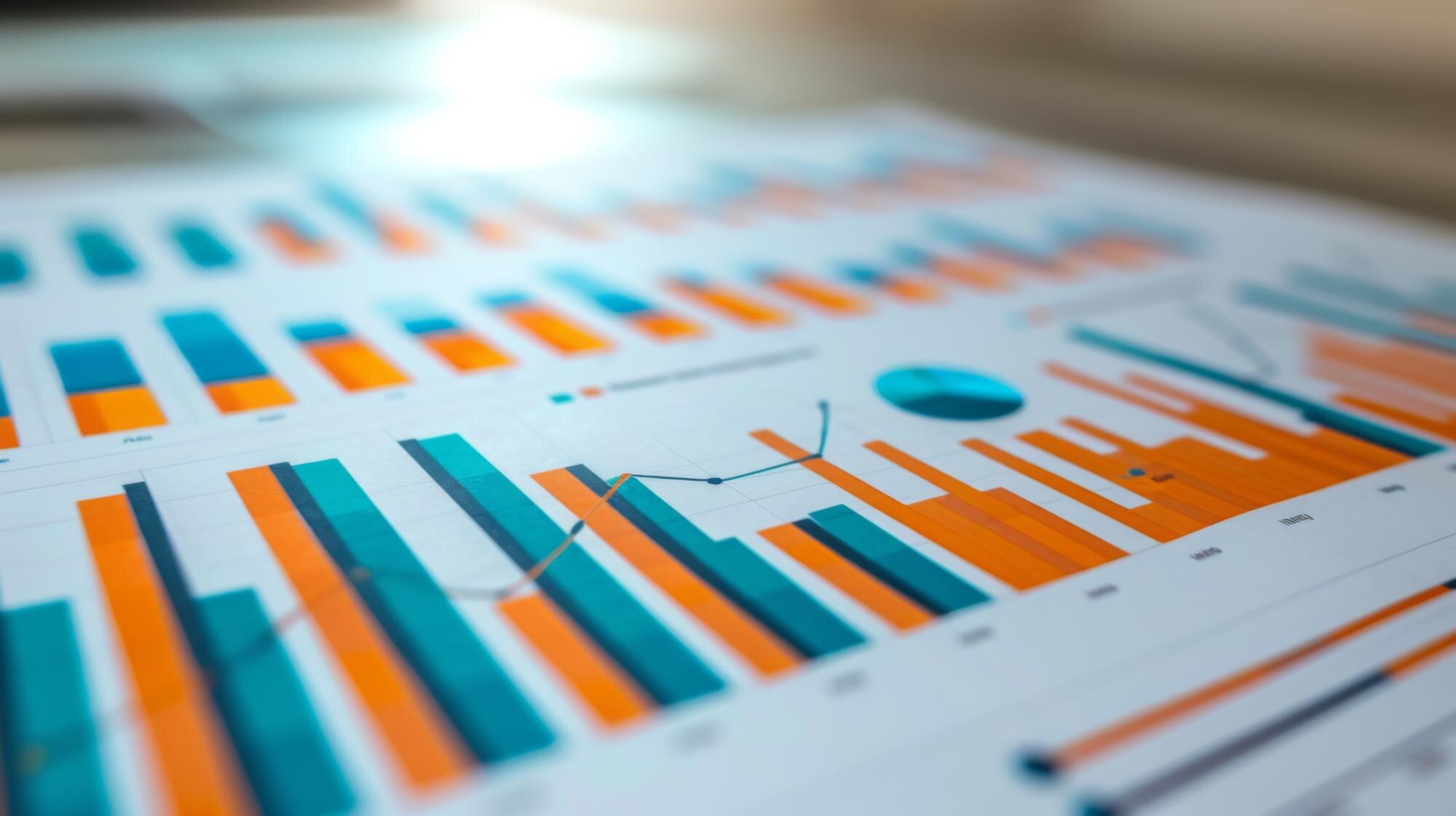

Use a bar graph to compare categories and a histogram to see how numerical observations are distributed. In the histogram vs bar graph decision, what the values represent matters more than whether the chart has rectangular bars.
In This Article
- What Does Each Value Represent?
- See the Charts Side by Side
- What Can You Learn From Each Chart?
- How Do Bin Choices Change the Picture?
- What Belongs on the Axes?
- How Do You Build the Right Chart?
- Key Takeaways
- Frequently Asked Questions
- Choose by the Question and Data
What Does Each Value Represent?
A bar graph assigns a bar to a category. That category might be a product department, a payment method, or a customer rating. Its bar can show a count or a calculated measure, such as total revenue or average spending. Categories remain distinct even when their labels look numerical: ratings labeled 1 through 5 can represent ordered response categories.
A histogram groups numerical observations into intervals called bins. For individual order values, those intervals might cover $0 to under $50, $50 to under $100, and so on. Each order belongs to an interval according to its measured value. The histogram answers how observations are spread across the number line, without retaining each observation’s exact position.
That distinction is the foundation of the bar chart vs histogram comparison. Ask what one row in your original data means. If it contains an order’s dollar value, you can build a histogram of those values. If you group orders by department and add their revenue, the resulting category totals belong in a bar graph.
See the Charts Side by Side
Consider an illustrative set of 12 orders totaling $600. The department totals are Books, $100; Apparel, $200; and Home, $300. The individual order values are $10, $10, $20, $20, $20, $30, $40, $50, $60, $70, $80, and $190. These are constructed figures for comparison, not reported business results.
The two tables below summarize that same sales total differently. A bar graph of the first draws one bar per department, its height the department’s revenue, with a space between departments. A histogram of the second draws adjacent bars for the order-value intervals, each bar’s height the number of orders.
| Department | Revenue (bar height) |
|---|---|
| Books | $100 |
| Apparel | $200 |
| Home | $300 |
| Order value | Orders (bar height) |
|---|---|
| $0 to under $50 | 7 |
| $50 to under $100 | 4 |
| $100 to under $150 | 0 |
| $150 to under $200 | 1 |
The empty $100 to under $150 interval in the histogram is meaningful: no order falls there. The gaps between departments in the bar graph carry no equivalent information; they only separate categories.
What Can You Learn From Each Chart?
The sales bar graph makes Home’s contribution easy to compare with the other departments. It supports questions about category performance, such as which department generated the most revenue. Sorting those bars by revenue would make the ranking clearer without changing what any bar means. For categories with an inherent sequence, such as satisfaction ratings, keeping that sequence is usually more useful.
The order-value histogram supports a different decision. Its concentration at the lower end and isolated high-value order suggest that the total does not describe a uniform set of purchases. A retailer could use that information when deciding whether to investigate small-order behavior separately from large purchases. The chart itself does not explain why those differences exist.
Neither display can substitute for the other. Department totals do not reveal the distribution of individual order values, and an order-value distribution does not identify which department earned the revenue. If you need both answers, keep both charts and give each a title that names its measure. A histogram graph should not be labeled “Sales by Department” when its horizontal axis actually shows order amounts.
How Do Bin Choices Change the Picture?
Unlike department categories, histogram bins are numerical intervals you choose. Changing their widths or boundaries changes which observations each bar summarizes. Wider bins can hide variation: combining the first two intervals here would merge seven orders below $50 with four from $50 to under $100.
Make boundaries unambiguous, such as “$0 to under $50” followed by “$50 to under $100,” so each observation enters exactly one bin. With only 12 observations, compare a few reasonable settings before treating an apparent pattern as a dependable feature.
What Belongs on the Axes?
A category axis identifies groups; its spacing does not measure numerical distance. A numeric histogram axis does measure distance, so bin widths must match their numerical spans. You cannot rearrange histogram bars from tallest to shortest without destroying that scale. A category chart can run horizontally when long names need more room, while the conventional histogram places values along the horizontal axis.
For equal-width histogram bins, heights can show counts or relative frequencies, meaning the share of observations in each bin. Label the units explicitly: “Orders” and “Percentage of orders” describe different measures, even when the charts have the same shape.
With unequal-width histogram bins, use frequency density, calculated as count divided by bin width, so area represents count. Raw-count heights would exaggerate wider intervals. Unlike category-bar widths, histogram widths encode numerical spans.
How Do You Build the Right Chart?
Prepare the data before choosing a chart button. For category comparisons, create a summary with one row per category and a clearly defined measure. For a histogram, keep the individual numerical observations in a column. Feeding category totals into a histogram produces a distribution of those totals, which is a different analysis from the original comparison.
Microsoft Excel and Google Sheets both offer histogram charts. Select the numerical observations, choose the histogram chart type, and adjust the available bin settings to suit the data.
The separate Histogram analysis tool has its own documented endpoint rule: Microsoft Support’s Create a histogram says that tool includes values greater than the lower bound and less than or equal to the upper bound. With boundaries at $0, $50 and $100, the $50 order therefore makes the first two counts 8 and 3 in that tool. To reproduce this article’s lower-inclusive, upper-exclusive bins, put the 12 values in A2:A13 and use =COUNTIFS($A$2:$A$13,">=0",$A$2:$A$13,"<50") for the first bin. Repeat with bounds 50/100, 100/150 and 150/200 to obtain 7, 4, 0 and 1. Plot those counts as a column chart with the interval labels and set Gap Width to 0%. For category totals, select a bar or column chart instead. Interface labels and available controls vary by version, but the histogram vs bar graph distinction remains the same: source observations versus category summaries.
Formatting comes after that choice. In Excel, a column series’ Gap Width can be set to 0% to make its bars touch, but that setting does not perform histogram binning. Use the appropriate chart type or calculate the bins correctly first. Keep value axes at zero for these bar-based displays, since viewers judge the rectangles by their lengths.
Key Takeaways
- Use bar graphs to compare categories and histograms to examine numeric distributions.
- Category labels can be numbers; their meaning determines the chart type.
- Keep histogram intervals in numeric order; category bars can be sorted.
- Adjacent histogram intervals normally touch, though empty intervals leave gaps; category bars usually have gaps. Spacing alone does not determine chart type.
- With unequal histogram intervals, frequency is represented by area, not height alone.
Frequently Asked Questions
Is a histogram a bar graph?
They are related bar-based displays, but they serve different purposes in statistical practice. A histogram groups numerical observations into intervals; a category bar graph compares distinct groups. Calling both “bar graphs” without qualification can obscure that difference.
What are bar graphs used for?
Bar graphs compare measures across categories, such as customer counts by subscription plan or average spending by department. Grouped bars can also compare subgroups within each category, provided the legend makes those subgroups clear.
Can a bar graph be horizontal?
Yes. Horizontal bars are especially useful for long category names because the labels can remain readable without rotation. The numerical scale then runs along the horizontal axis, and the categories run vertically.
Can numeric labels represent categories rather than measurements?
Yes. Bus route numbers, for example, identify routes rather than measure their size or distance. Subtracting one route number from another does not produce a meaningful quantity, so a numerical-looking label does not automatically call for a histogram.
Does removing the gaps turn a bar graph into a histogram?
No. Touching bars change the appearance, not the underlying grouping or calculation. A valid histogram needs numerical intervals and a count, proportion, or density calculated from observations within each interval.
What should the vertical axis show when histogram intervals have unequal widths?
Use frequency density or relative-frequency density, depending on whether bar areas should represent counts or proportions. Relative-frequency density divides each bin’s share of observations by its width. The axis label should state that density is being shown, not raw frequency.
Choose by the Question and Data
Before publishing, check that the question, source data and labels agree. “Which department earned the most?” requires department revenue totals; “How are order values distributed?” requires individual order amounts grouped into numerical intervals.
Then check the display: retain every histogram interval, including empty ones, and label its boundaries and vertical-axis units. For category bars, show the department names and revenue units, and use an order that supports comparison. If you need both answers, publish both charts with distinct titles rather than expecting either display to supply the missing information.
Recommended for you
Mapped: How a Bill Becomes a Law Flowchart—Key Decisions
Use this how a bill becomes a law flowchart to trace committee review, chamber votes and presidential action. See why bills move forward or stop along the way.

Flowchart Examples With Labels You Can Make Your Own
Adapt flowchart examples for online orders, leave requests, and login recovery with named actions, decisions, and outcomes. See reusable paths in the article.
Bimodal Histogram: Two Peaks That One Average Can Hide
A bimodal histogram can reveal two operating conditions. Use the 15 and 25 millisecond test example to read the peaks and plan your next analysis. See how.

Turning Data into Stories: The Psychology of Visual Complexity
A network map with 1,200 nodes feels mesmerizing until your eyes start to swim; a five-bar chart can feel banal yet instantly graspable. The gap between awe and overload is not just taste—it’s how our visual and cognitive systems negotiate complexity, novelty, and control. If you want to use complex visuals to create connection and […]
Math Line Plot: Each Mark a Measurement, Each Stack a Count
A line plot turns nine bean pod lengths into visible counts. Learn what marks and stacks mean, then build your own with fractions. See the worked example.
Box Plot Reading: A Shorter Box Doesn’t Mean Faster
A box plot shows center and spread, not speed alone. Use task-time examples to compare medians and variability on the same scale. See the worked example.

Area Chart Fill: Separate Values or a Shared Total?
An area chart uses fill to emphasize magnitude, but stacked and separate values mean different things. See the distinctions and learn how to build one in Excel.
Histogram Patterns: What Clinic Waiting Times Reveal
A histogram turns clinic waiting times into visible clusters and gaps. Learn what bins and bar heights mean, and how to choose bin widths. See the example.