
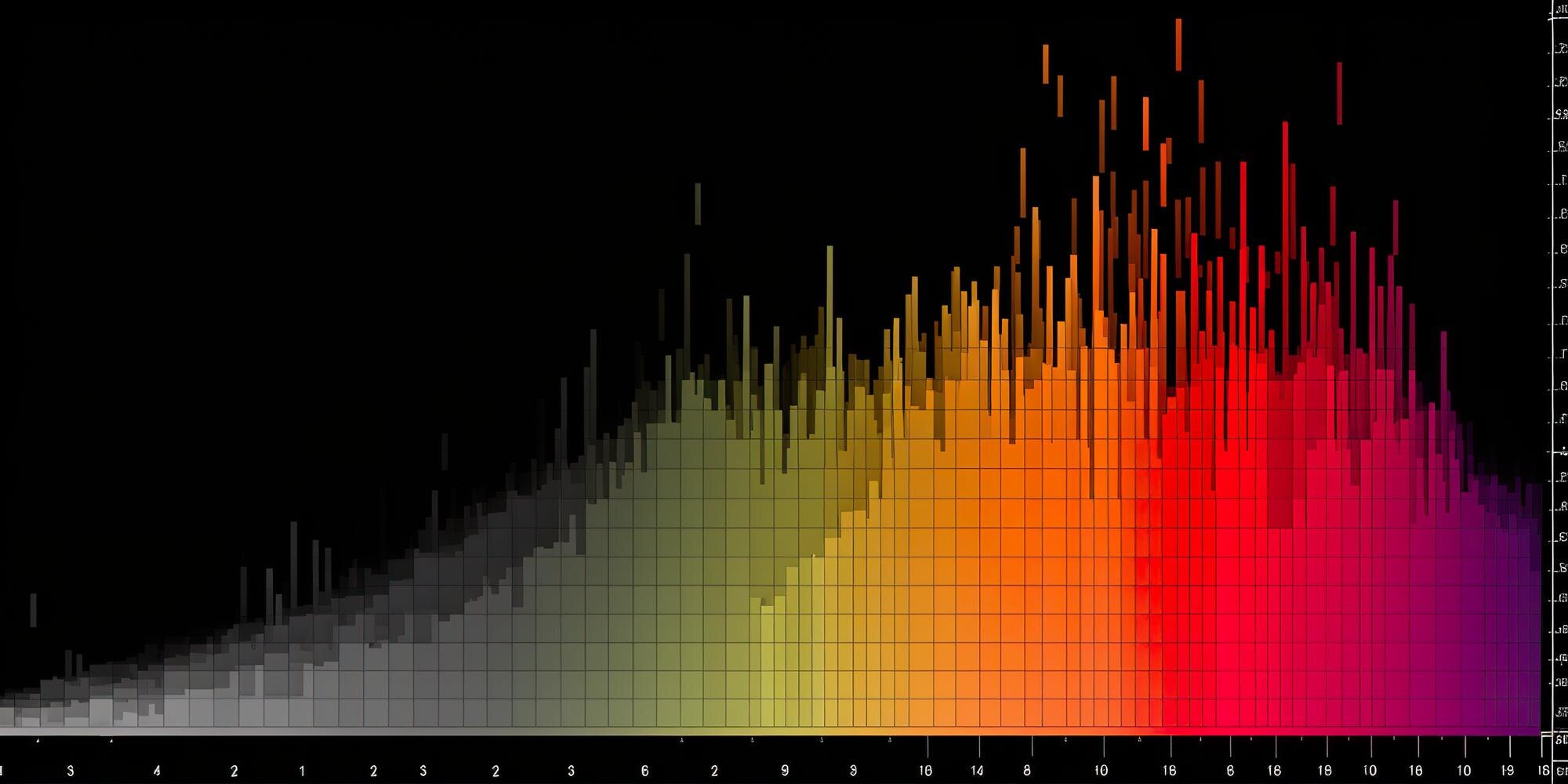

A frequency histogram groups numerical observations into intervals and shows how many fall in each one. Suppose you see a tall bar over quiz scores from 40 to below 60 and take it as evidence that the class scored well: the bar shows how common those scores were, not how high they were. The useful test is whether you can trace that bar back to the scores it contains, starting with any value sitting exactly on an interval boundary.
In This Article
- What the Bars Actually Count
- Build a Table You Can Audit
- Choose Intervals That Fit the Question
- Label Counts, Proportions, and Density
- Make the Chart in Excel
- Read the Shape Without Claiming a Cause
- Key Takeaways
- Frequently Asked Questions
- Every Observation Counts Once
What the Bars Actually Count
That tall bar could lead a teacher to the wrong decision about which material needs review. Its horizontal position identifies the score range; its height reports how many observations landed there. Reading height without position loses half the message.
Position also explains why histograms keep numerical intervals in order, with adjacent bars touching at shared boundaries. A bar chart of course names can separate its categories with gaps. Here, a gap has a numerical meaning: an empty interval still occupies space and has zero frequency. Delete that space and two separated groups appear to meet. Before grouping the scores, distinguish valid zeros from blank cells, too. A missing observation does not belong in a zero-score interval.
Build a Table You Can Audit
For a frequency histogram example, use these 12 constructed quiz scores: 42, 48, 51, 55, 59, 60, 62, 67, 71, 75, 83, and 94. The first counting decision is where to put a score that lands on an edge.
| Score Interval | Boundary Rule | Frequency |
|---|---|---|
| 40 to below 60 | 40 ≤ score < 60 | 5 |
| 60 to below 80 | 60 ≤ score < 80 | 5 |
| 80 through 100 | 80 ≤ score ≤ 100 | 2 |
| Total | 12 |
The final interval includes 100 because it is an allowed quiz score. The other upper endpoints are excluded, leaving each shared boundary to the interval that begins there. The table therefore gives the chart a testable contract: its three bars must match these rows and account for the whole sample. The disputed 60 belongs in the second row, once.
Choose Intervals That Fit the Question
Those 20-point intervals tell a simple story: two equally common score ranges followed by a smaller upper group. Yet the equality depends on where the boundaries fall.
Shift the boundaries upward by five points while keeping the width at 20. Add a lower interval so that 42 is not excluded:
| Score Interval | Frequency |
|---|---|
| 25 to below 45 | 1 |
| 45 to below 65 | 6 |
| 65 to below 85 | 4 |
| 85 to below 105 | 1 |
| Total | 12 |
The single tallest bar now contains six scores. The outer intervals extend beyond the observed scores to preserve equal widths. No student’s score changed; the grouping changed the visual story.
That sensitivity matters with only 12 observations. Narrower bins reveal distinctions within the original groups but can make the sample look noisy. Wider bins can conceal peaks or gaps. Choose a width in understandable score units, then compare a shifted version before treating an apparent cluster as a firm feature of the data.
Label Counts, Proportions, and Density
A frequency distribution histogram uses counts on its vertical axis. A relative frequency histogram divides each count by the sample total, letting you compare samples without mistaking a larger sample for a more concentrated distribution. An axis label must distinguish a count of 10 from 10%.
Widths introduce a different trap. A wider interval can contain more observations than a narrower one while containing fewer observations per score point. Drawing heights based on counts can make the wider group look more crowded.
Treat each bar as a strip of floor space: a wider strip can hold more people without being more crowded. With unequal intervals, use frequency density = frequency ÷ bin width. Bar area then represents the count; height represents concentration per unit. Label the axis “Frequency Density,” not “Frequency.” Equal-width count bars avoid that distinction because every bar has the same width.
Make the Chart in Excel
Excel’s automatic grouping can undo the boundary decision you just made. In versions with the Histogram chart type, the built-in convention assigns values above a lower boundary and at or below an upper boundary. With an upper boundary of 60, the disputed score joins the lower group, contrary to the table’s rule. Automatic widths can also create different groups altogether; changing colors will not fix either mismatch.
Enter the 12 scores in cells A2:A13, then calculate the counts with COUNTIFS using the table’s boundary rules:
| Score Interval | Excel Formula | Expected Count |
|---|---|---|
| 40 to below 60 | =COUNTIFS($A$2:$A$13,">=40",$A$2:$A$13,"<60") | 5 |
| 60 to below 80 | =COUNTIFS($A$2:$A$13,">=60",$A$2:$A$13,"<80") | 5 |
| 80 through 100 | =COUNTIFS($A$2:$A$13,">=80",$A$2:$A$13,"<=100") | 2 |
Select the “Score Interval” labels and the evaluated results in the “Excel Formula” column, excluding “Expected Count,” which is only a check. Insert a column chart with “Score Interval” as the category labels and the formula results as the only value series. Keep the intervals in numerical order and set the gap width to zero. This produces a histogram graph with controlled membership rules for these equal-width intervals. A column chart spaces categories evenly, so this method does not preserve unequal numerical bin widths. Label the axes “Quiz Score” and “Frequency”; compare the heights against the table before accepting the chart. Excel’s menu placement varies by version, but the boundary mismatch is the issue to resolve.
Read the Shape Without Claiming a Cause
Once membership is settled, the shape can suggest a useful next question. A long tail toward higher values indicates positive skew. Separated peaks might prompt you to examine whether different populations were combined, but the shifted-bin example shows why a peak alone cannot establish that explanation.
Bounds offer another explanation for asymmetry. Product purity cannot exceed 100 percent, so measurements near that ceiling have less room to spread upward than downward. An uneven shape need not signal a recording error.
Frequency histograms also discard collection order. A steady change over time can disappear when observations are grouped by value. If consistency is your concern, examine the values in collection order: the distribution cannot tell you when a change occurred.
Key Takeaways
- Horizontal position and vertical height together convey the chart’s meaning.
- The table provides the reference for bar membership and sample totals.
- A peak that changes with shifted boundaries is not a firm feature of the data.
- The vertical-axis label identifies what bar height actually measures.
- Collection order can reveal changes that grouped counts cannot show.
Frequently Asked Questions
What is a frequency histogram?
A frequency histogram is a chart of counts within numerical intervals. Each bar collects observations under one stated membership rule, including repeated observations with the same value.
How do I create a frequency histogram in Excel?
Use Excel’s Histogram chart when its endpoint convention fits, or chart formula-based counts when you need custom rules. A useful test case is a value exactly on an edge: its destination reveals whether the software matches your intended grouping.
Can a frequency table be reconstructed exactly from the bars?
Yes, if the chart provides exact counts and interval boundaries. An image without exact labels may support only estimates, and even exact grouped counts cannot recover the individual scores within each interval.
Can two samples have the same pattern but different bar heights?
Yes: duplicating every observation doubles the counts without changing the relative frequencies. Use identical boundaries and consistent vertical scales when comparing samples, or the display itself can manufacture a difference.
Does a smooth-looking distribution prove that the collection process was consistent?
No, a smooth distribution does not prove consistent collection. Wide bins can hide irregularities, so examine time-ordered records alongside any changes in measurement procedures.
Every Observation Counts Once
In this example, the boundary rule places 60 in the 60-to-below-80 interval, not the interval below it. The resulting bar heights are 5, 5, and 2. These frequencies account for all 12 scores, but a total of 12 alone cannot reveal a score assigned to the wrong interval.
Recommended for you

Stacked Bar Chart: Totals, Parts, and Shares Made Clear
A stacked bar chart shows totals and the parts behind them. Learn when to use counts or percentages, with a worked example and Excel steps. See the guide.

The Future of Reading: How AI Changes Book Discovery and Enjoyment
Libraries logged hundreds of millions of digital book checkouts last year, while neural text-to-speech can now produce a clean, hour-long audiobook in minutes. Meanwhile, recommendation models trained on billions of reading interactions quietly shape what appears in your “Because you liked…” rows. The future of reading is no longer just about pages and covers; it’s […]

SEO Infographic: Why the Publishing Page Matters Too
An SEO infographic needs more than an image. Connect your search question, visual, file and publishing page in five steps to make it useful. See the steps.
Histogram Patterns: What Clinic Waiting Times Reveal
A histogram turns clinic waiting times into visible clusters and gaps. Learn what bins and bar heights mean, and how to choose bin widths. See the example.

Climate Change Infographic: From Emissions to Action
See how a climate change infographic links heat-trapping gases to rising heat, then separates emissions cuts from adaptation. Explore the causes and actions.
Waterfall Chart: The Losses Behind a Positive Result
A waterfall chart reveals gains and losses behind net growth. Follow revenue from $500,000 to $580,000 and learn to read the floating bars. See the example.

What Is an Infographic? How Visuals Earn Their Place
What is an infographic? See how an electricity chart and appliance diagram can work together to explain a message, not just decorate it. Explore the basics.
Math Line Plot: Each Mark a Measurement, Each Stack a Count
A line plot turns nine bean pod lengths into visible counts. Learn what marks and stacks mean, then build your own with fractions. See the worked example.